When a phone goes quiet, a person checks
A dead battery, no signal or a closed app look exactly the same from the office as a worker in trouble. SafetyEvo treats silence as something a person should check, not something to ignore.
Every phone on shift sends a heartbeat each minute with its battery, signal and settings. If heartbeats stop for longer than the limit you set, an amber welfare alert opens and a responder phones the worker.
The problems it solves
Silence goes unnoticed
Without monitoring, nobody knows a phone has died until the end of the day.
Settings that stop tracking
Battery savers and changed permissions can quietly switch tracking off.
How it works
- 1
Heartbeat every minute
Battery, charging, signal and permission health are reported while on shift.
- 2
Silent phone alert
No contact for five minutes, or the limit you choose, opens an amber alert at the last location.
- 3
A responder calls
The alert follows your ladder until someone takes it and phones the worker.
- 4
Outcome recorded
The responder closes it with what happened, for example "battery died, safe".
In the app
What your staff and your office see.
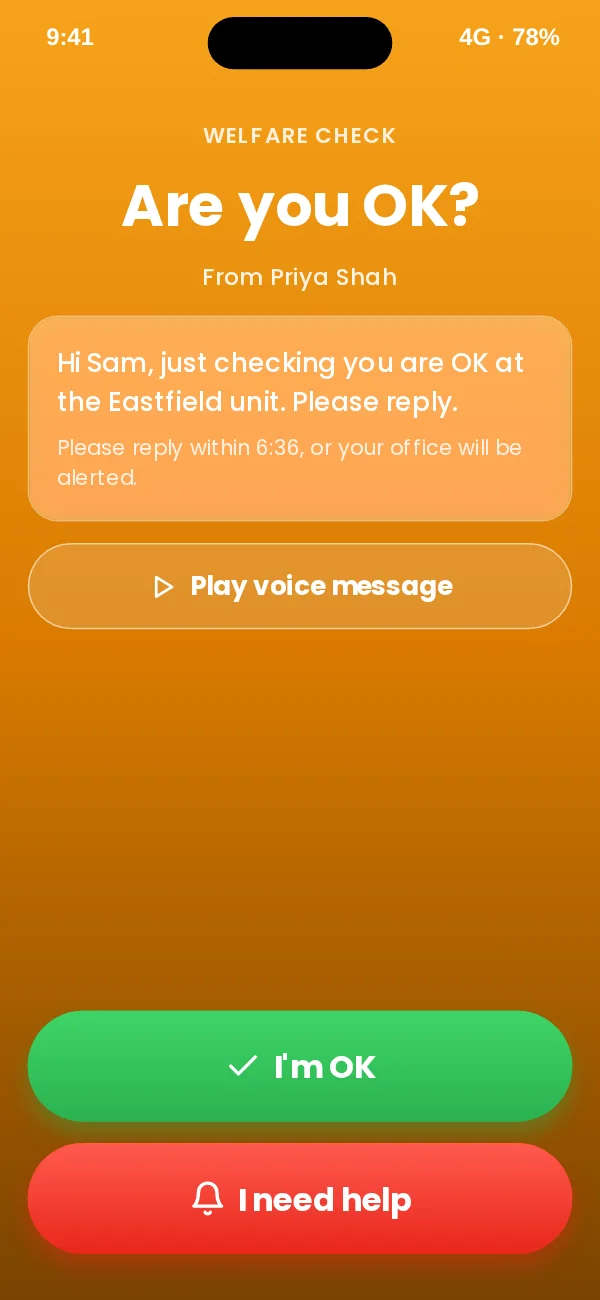
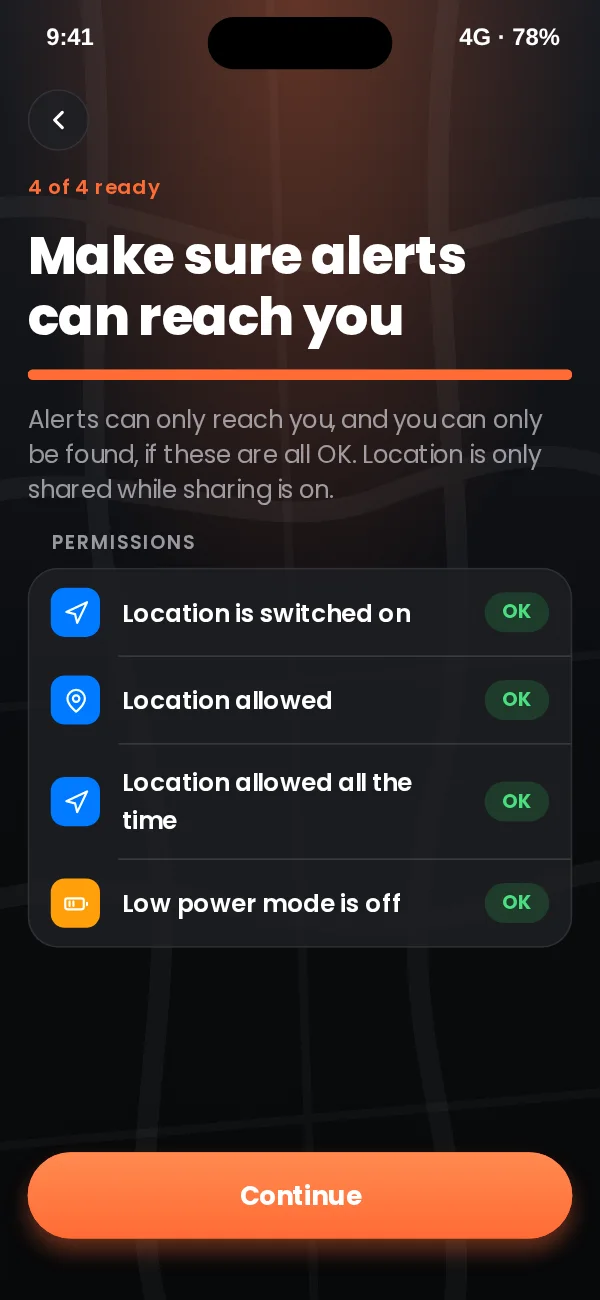
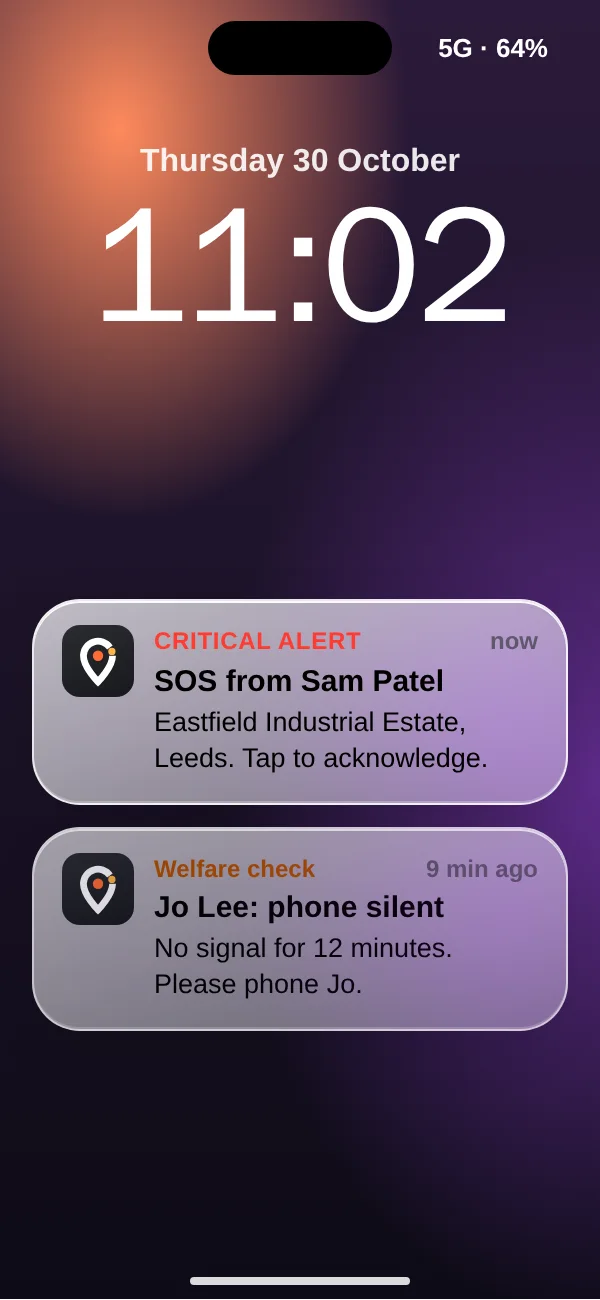
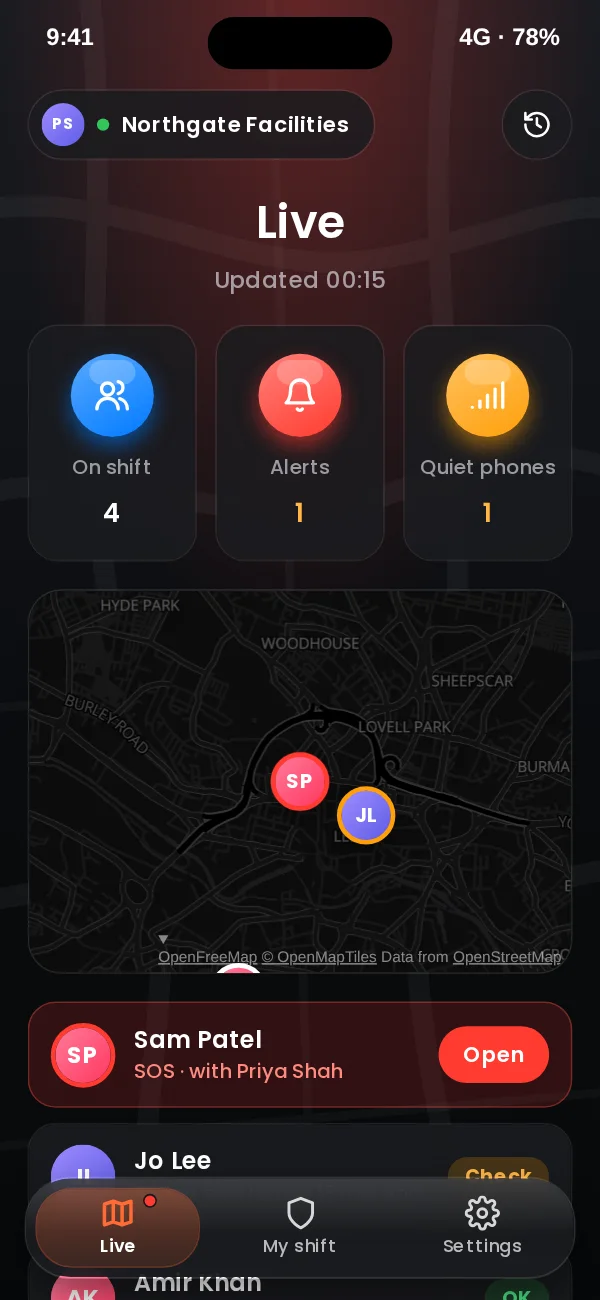
App design preview with sample names and data. See every screen or book a demo.
In the office console
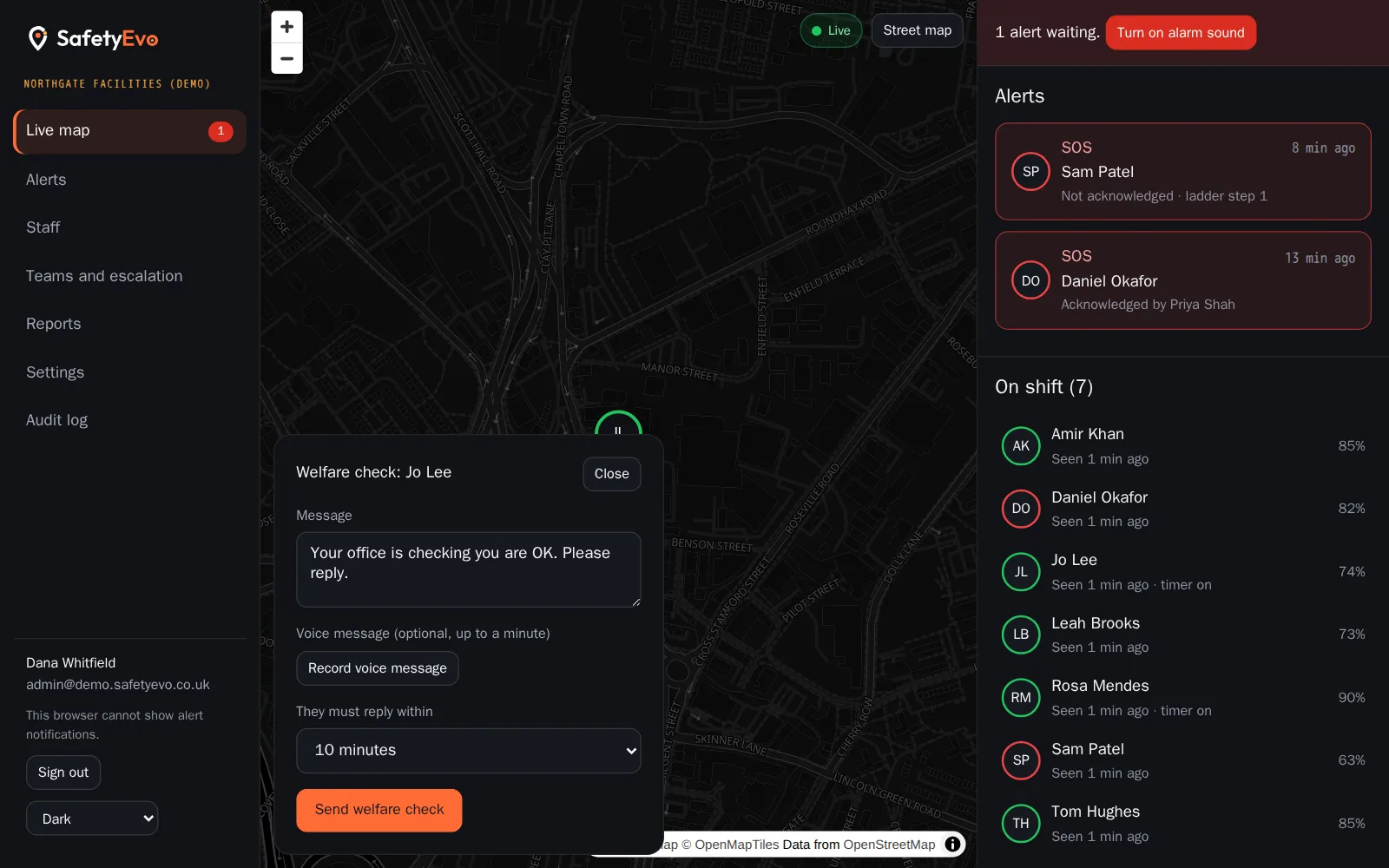
The same moment on the office screen, with a demo company and sample names.
Key benefits
- Health check on the phone. The app shows staff in green and red whether tracking and alerts will work, with fixes for their phone model.
- Back online is noted. If the phone reconnects, the timeline says so, but a person still closes the alert.
- Low battery visible. The office sees battery levels and can ask someone to charge before it becomes a problem.
Where teams use it
Related
Frequently asked questions
How long before a silent phone alert?
Five minutes by default. Admins can set anything from two minutes to an hour.
Does it close itself when the phone comes back?
No. The timeline records that the phone is back, but a responder confirms the worker is safe and closes it.
See it working on your own phone.
Book a short demo and we will raise an alert together and follow it to a named person.