Lone worker protection that reaches a person, every time
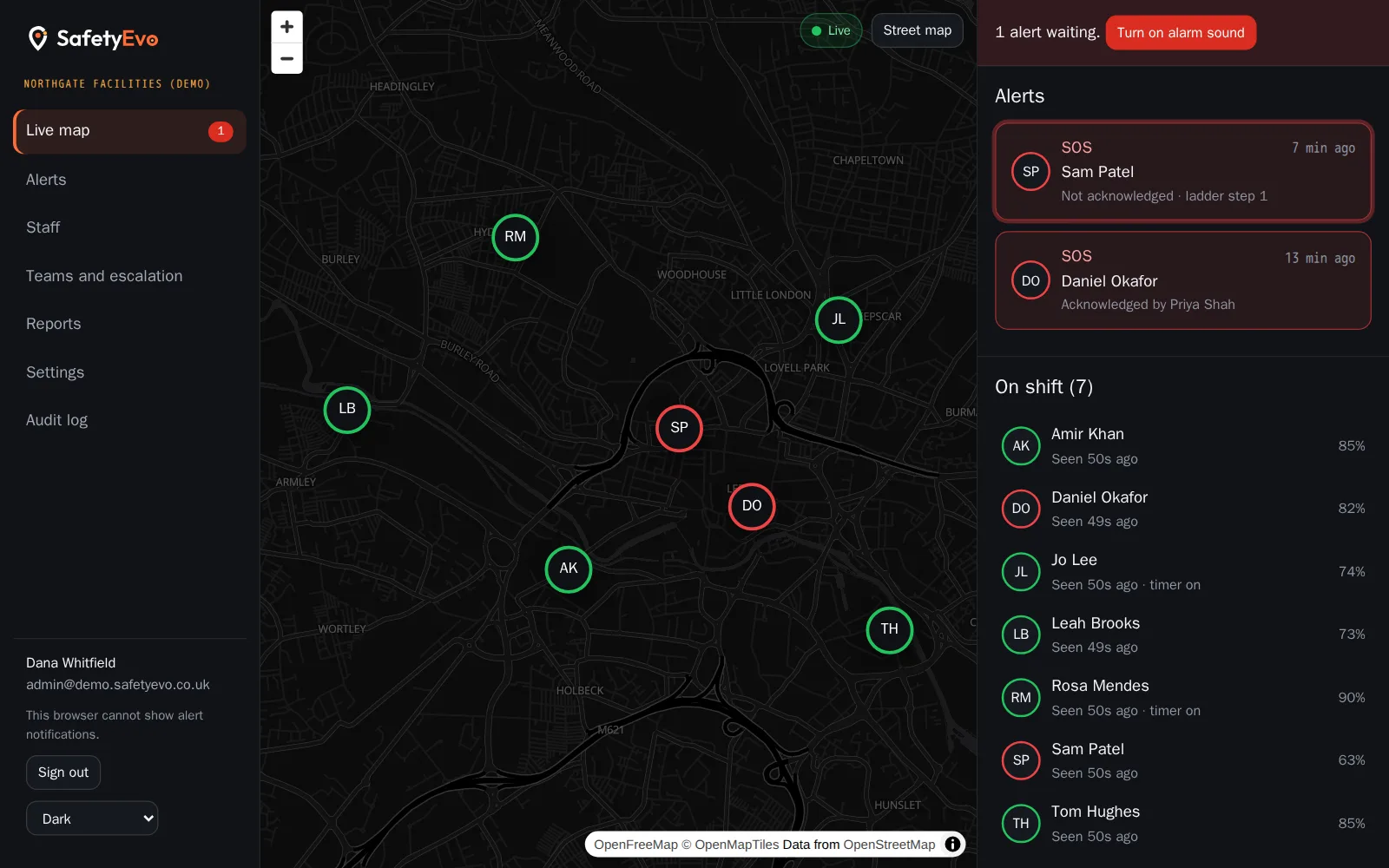
SafetyEvo gives every member of staff who works alone a simple app on their own phone, and gives your office a console that shows who is on shift, where they are and whether anyone needs help.
When something goes wrong, the alert does not stop at a notification. It moves through the people you have chosen, by push, then text message, then an automated phone call, until one of them takes ownership.
The problems it solves
Check-ins by text get missed
A "text me when you are done" arrangement depends on someone remembering, on both ends.
Alarms that nobody owns
An alert sent to a group can be seen by everyone and handled by nobody.
No record when it matters
After an incident you need to show what happened and when. Phone calls and messages leave gaps.
How it works
- 1
Start a shift
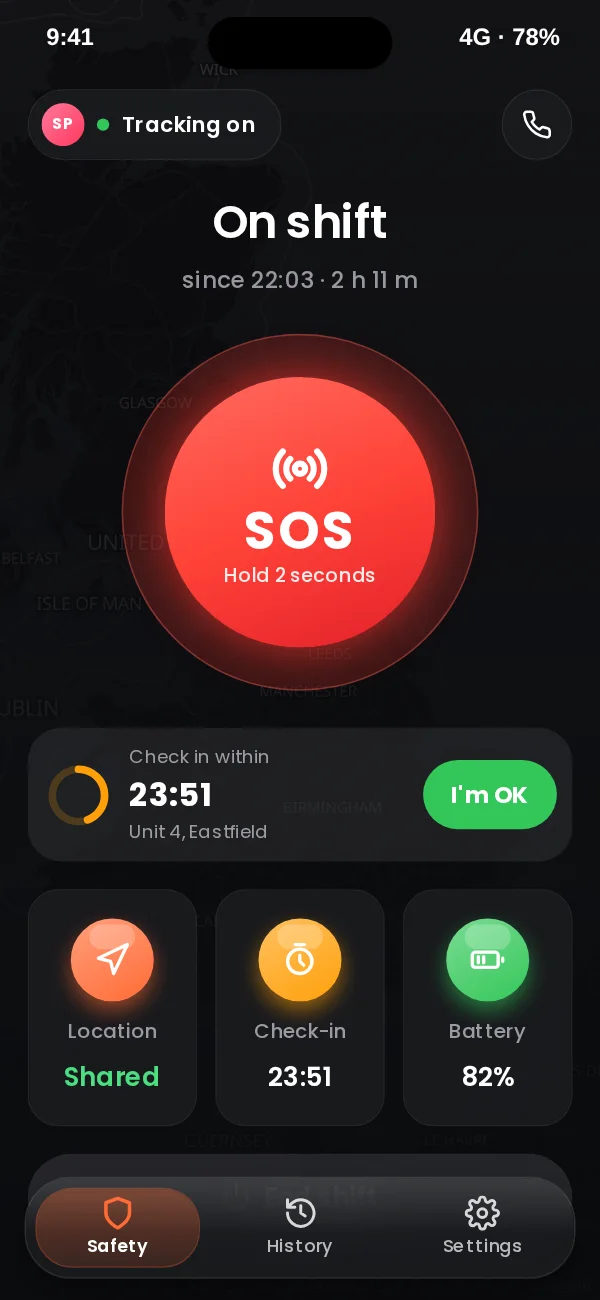
The worker opens the app and starts their shift. Location sharing begins, and the app shows clearly that it is on.
- 2
Work as normal
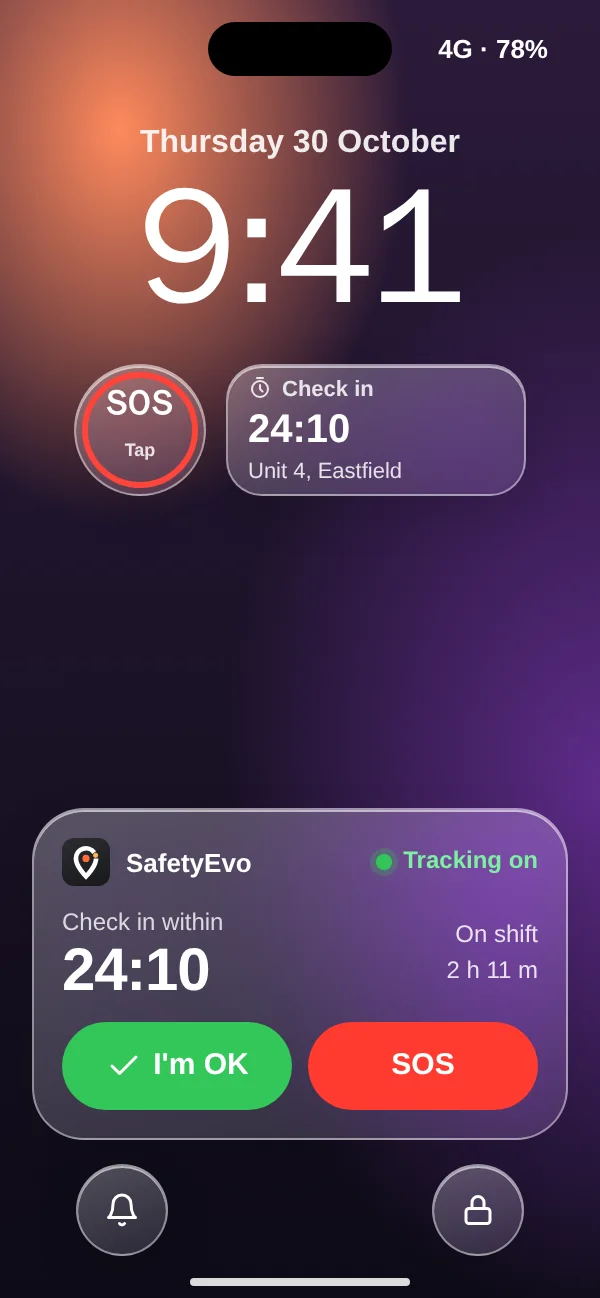
A large SOS button and an optional check-in timer stay one tap away. The phone reports its battery and signal every minute.
- 3
Raise the alarm
Hold SOS for two seconds, or miss a check-in, and the server opens an alert at the worker’s location.
- 4
Someone takes it
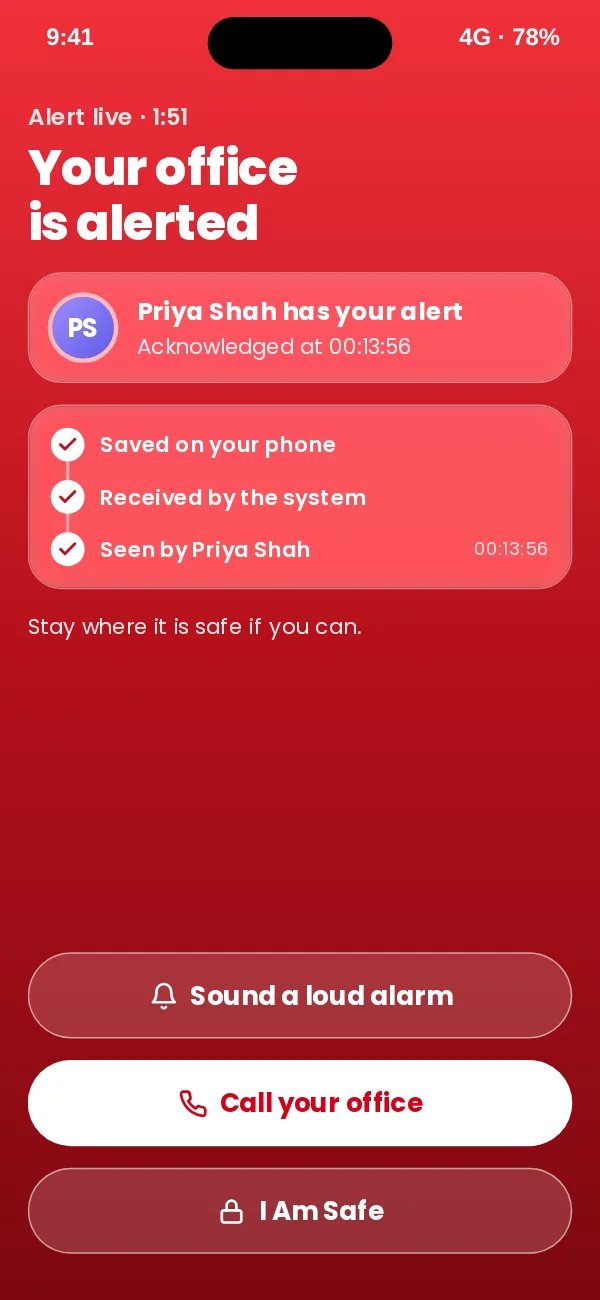
Your ladder runs until a named person acknowledges. The worker sees who has their alert.
In the app
What your staff and your office see.
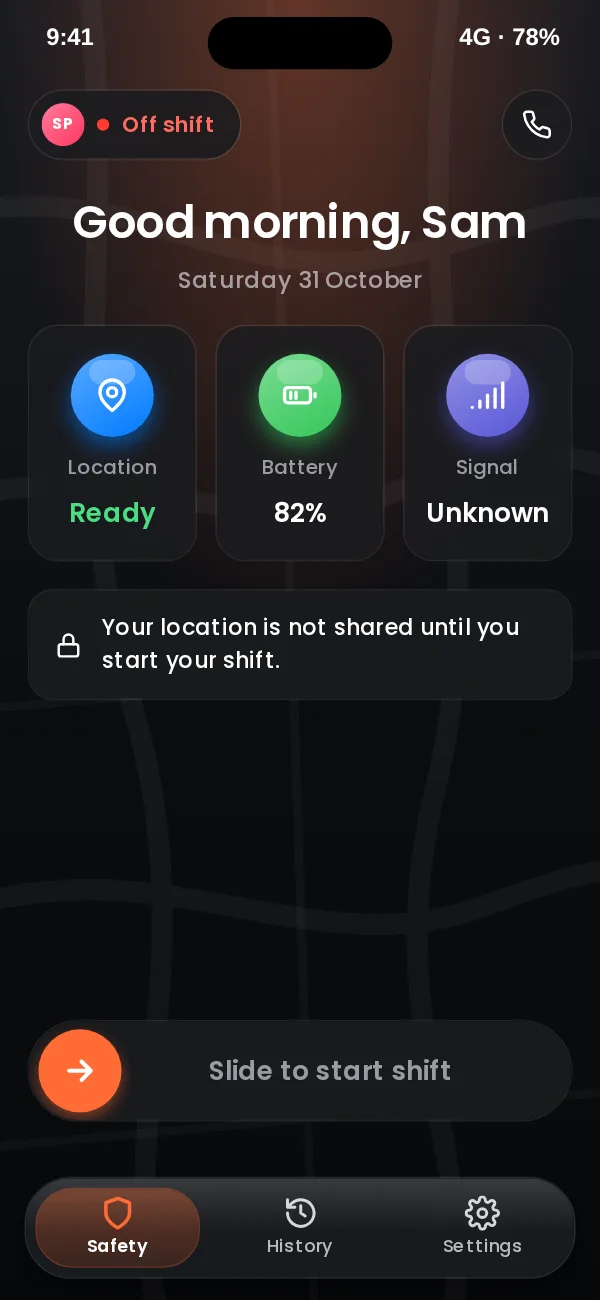
App design preview with sample names and data. See every screen or book a demo.
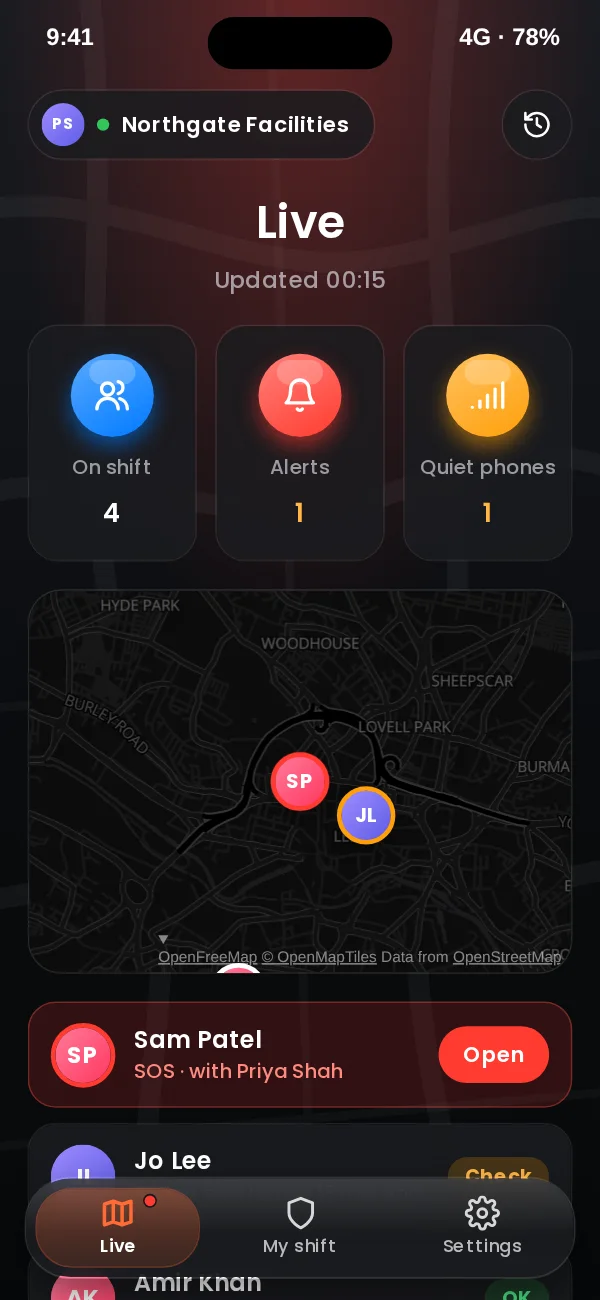
In the office console
The same moment on the office screen, with a demo company and sample names.
Key benefits
- One system, one record. Shifts, locations, alerts and responses are kept together, with a timeline that cannot be edited.
- Works on the phones staff already carry. iPhone and Android. No extra hardware to buy, charge or lose.
- Privacy staff can accept. Location is shared only during a shift, and the app always shows when it is.
Where teams use it
Related
Frequently asked questions
What counts as lone working?
Anyone who works without close or direct supervision, for example on a site alone, at a customer’s home, in a vehicle, or out of hours in an empty building.
Do staff need a special device?
No. SafetyEvo runs on the iPhone or Android phone the worker already uses.
Who receives the alerts?
The responders, supervisors and admins you choose, in the order you set. SafetyEvo is not an alarm receiving centre and does not contact the emergency services for you.
See it working on your own phone.
Book a short demo and we will raise an alert together and follow it to a named person.