Through a working day, step by step.
What the worker does, what the office sees, and what the server does in the background.
- 1
Start shift
The worker taps Start shift. Location sharing begins and the app shows it is on. The phone checks its own settings and shows green or red.
The office sees them appear on the live map.
- 2
Activate protection
For a risky task they set a check-in timer with a note of where they are. SOS stays one press away.
The server holds the timer, not the phone.
- 3
Stay connected
The phone sends a heartbeat every minute. If something goes wrong, SOS, a missed check-in or a silent phone opens an alert.
The escalation ladder runs until a named person acknowledges.
- 4
Finish shift
The worker taps End shift. Tracking stops and the timer is cancelled.
Every alert and response is on a timeline that cannot be edited.
The same day, in the app
From the first slide to start a shift, to an alert and the person who takes it.
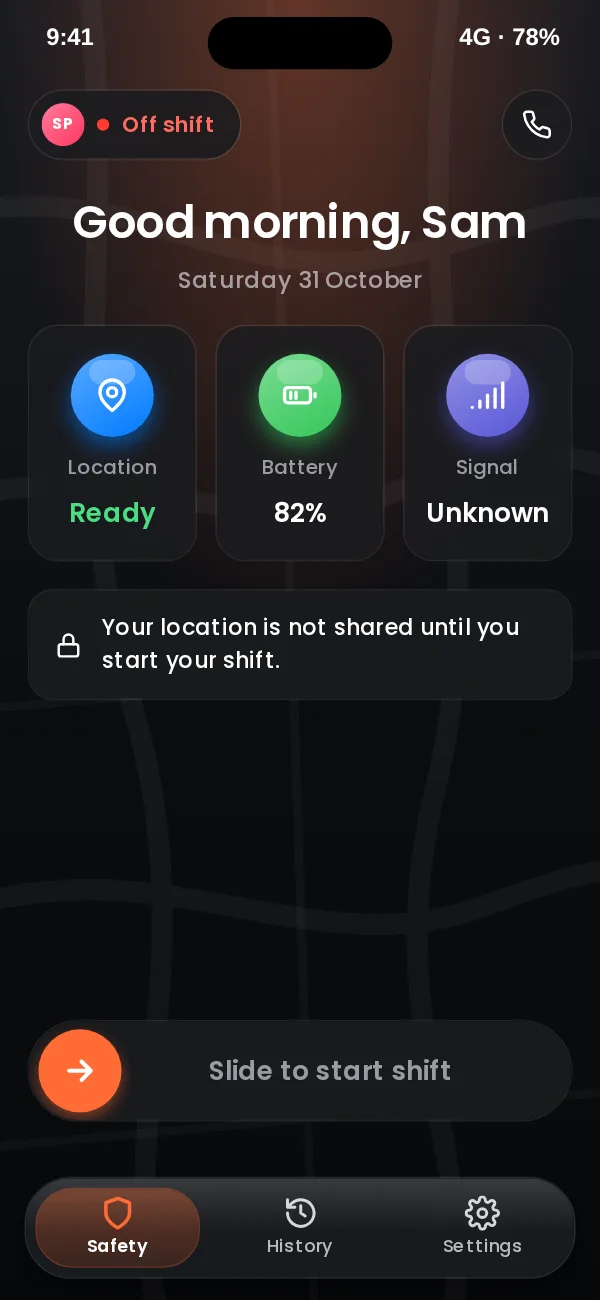
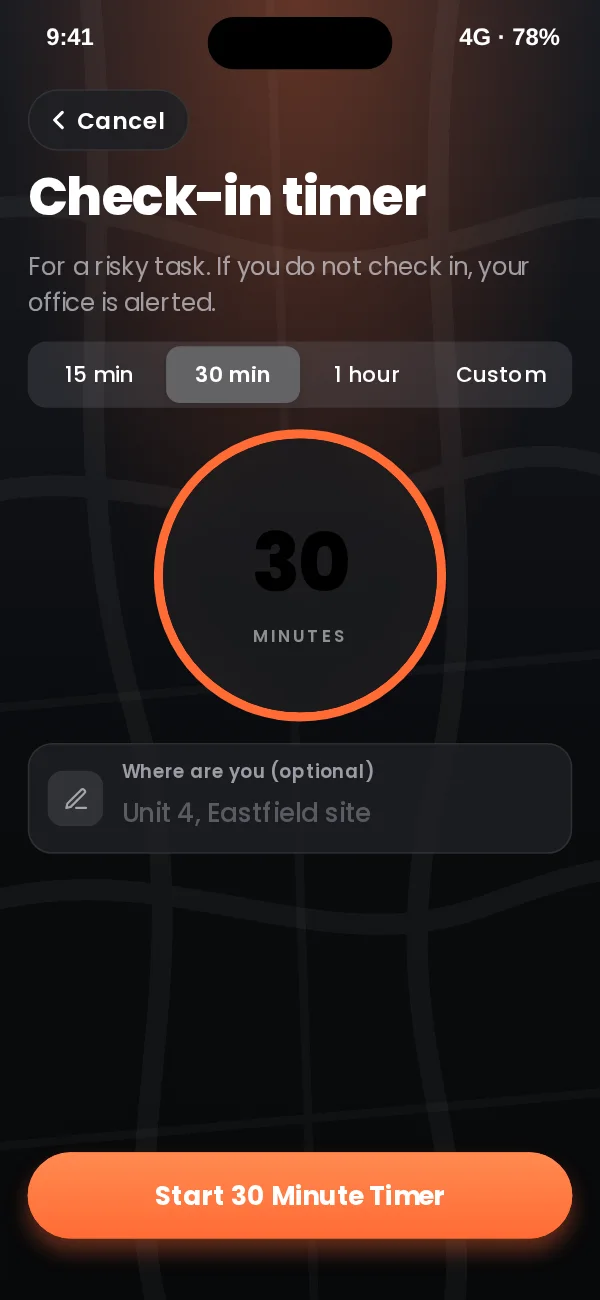
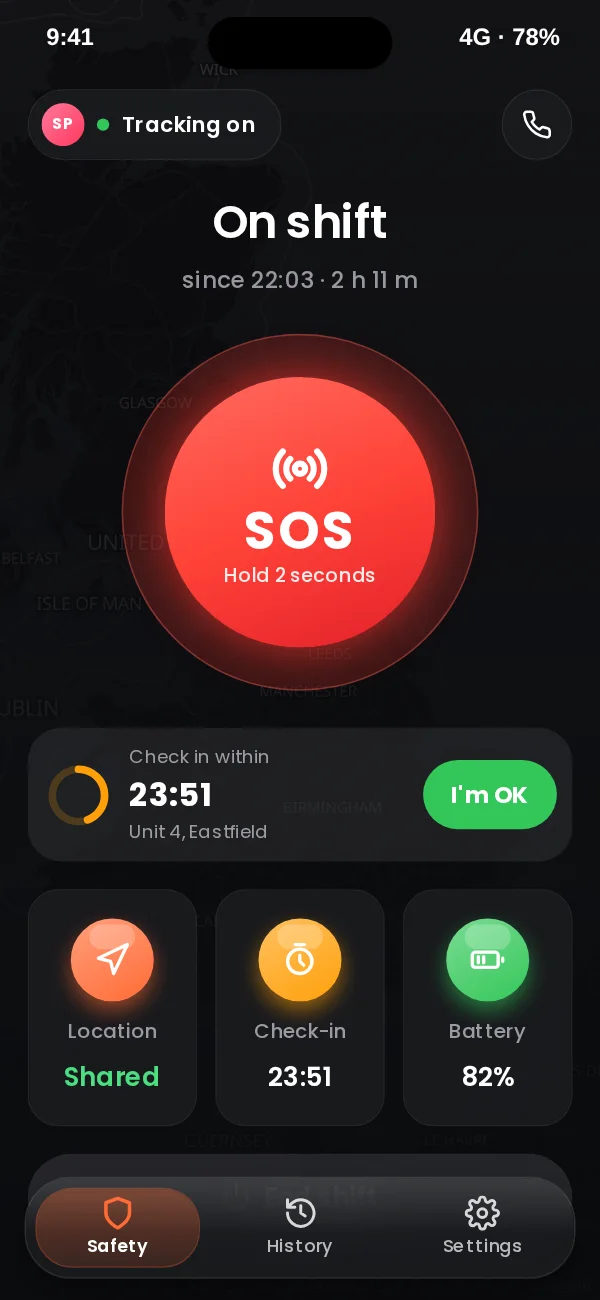
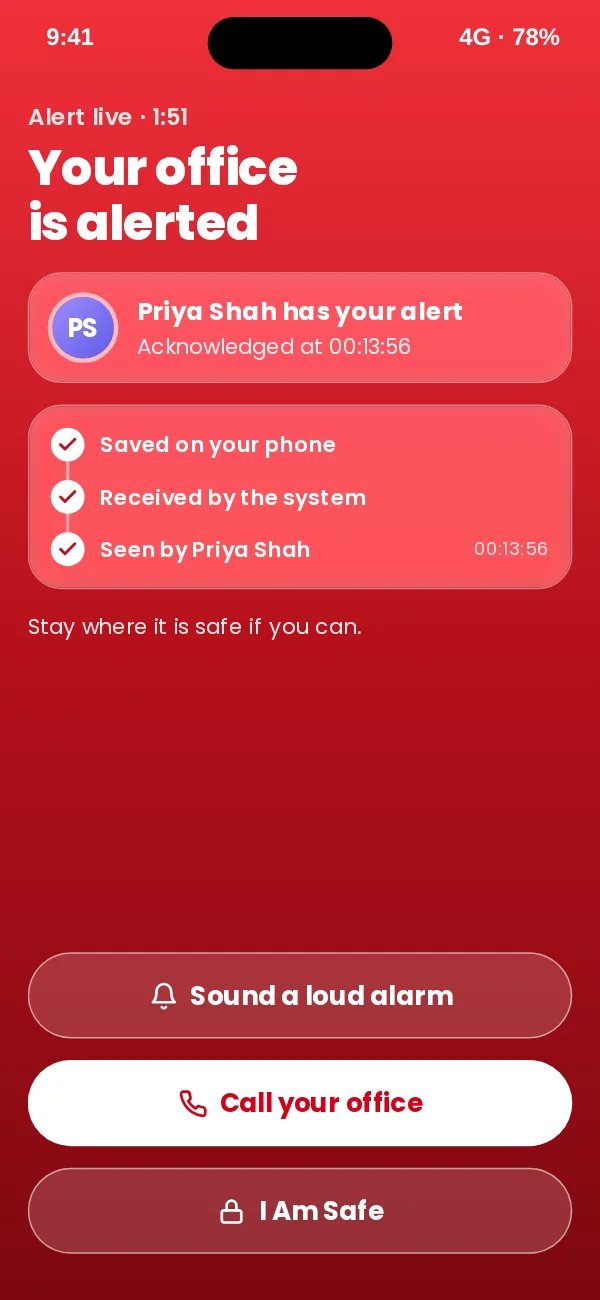
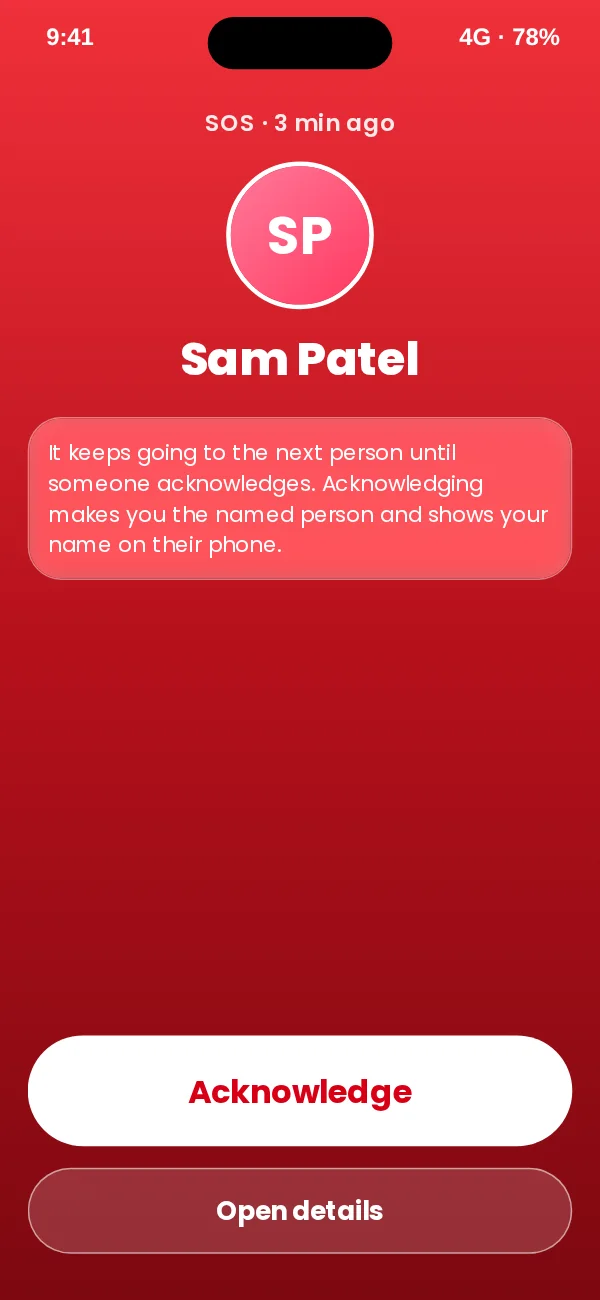
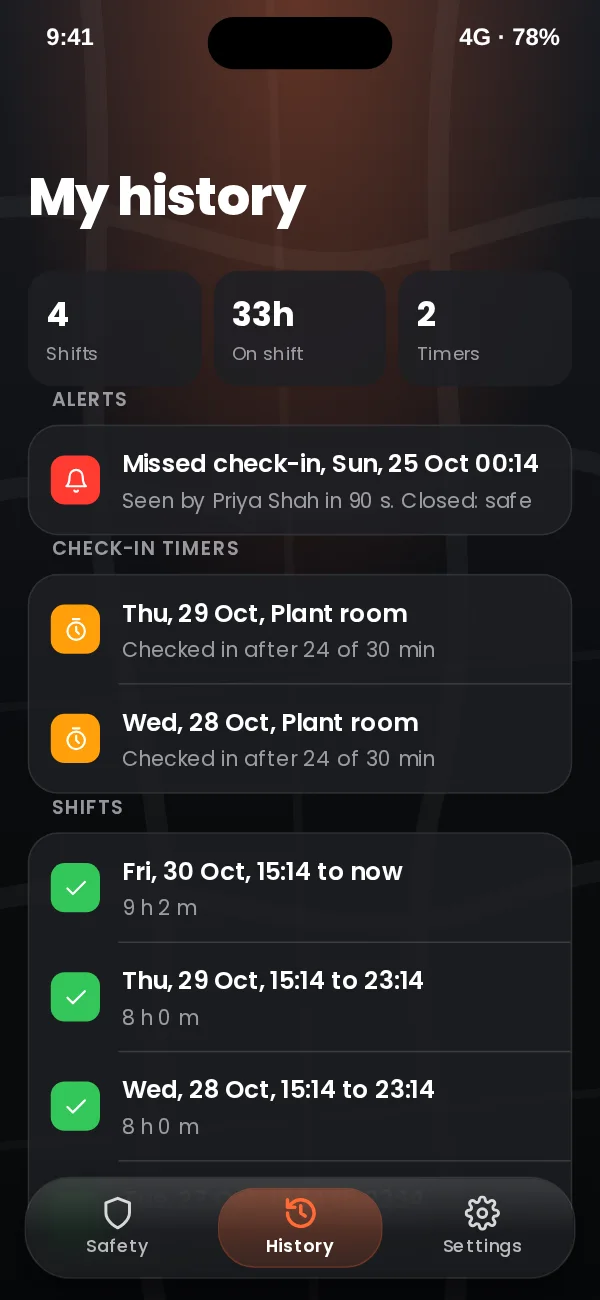
App design preview with sample names and data. See every screen or book a demo.
When an alert goes off
Every alert, whether an SOS, a missed check-in or a silent phone, follows your escalation ladder. Each step alerts the people you choose by push, then text, then an automated call, and waits for one of them to acknowledge. If nobody does, it moves on, and after the last step it repeats. It never stops on its own.
Incident management →